The Relation Table Interface
The relation table interface is the highest-capability relation editing mode in Smart Forms. It is used for:
- Large collections
- Many-to-many relations
- Editable target entities
- High-volume operational relationships
Initial State
When no links exist:
- Add & Link → creates a new target row and links it
- Link Existing → links an existing target row
These actions are always separate and never ambiguous.
Add & Link vs Link Only
| Operation | Effect |
|---|---|
| Add & Link | Creates a row + creates the relation |
| Link Only | Creates the relation only |
| Unlink | Removes the relation only |
| Delete | Removes both the relation and the target row |
Deletion is staged until the parent form is saved.
Editing Related Rows
- Double-click opens the related row’s Smart Form
- Changes are staged in memory
- No write occurs until the parent form is saved
This preserves transactional consistency across multi-entity edits.
Deletion Staging
Deleted related rows are:
- Rendered in gray with strikethrough
- Fully reversible until save
- Physically deleted only on final commit
Example Screens
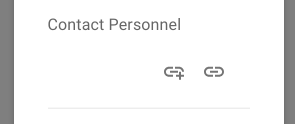 Figure: The table interface when no selection has been made.
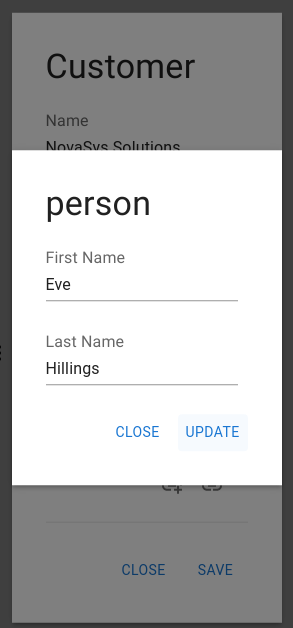 Figure: Smart Form for adding a new person.
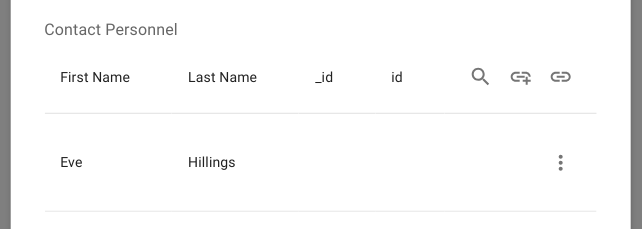 Figure: Table after adding and linking a new person.
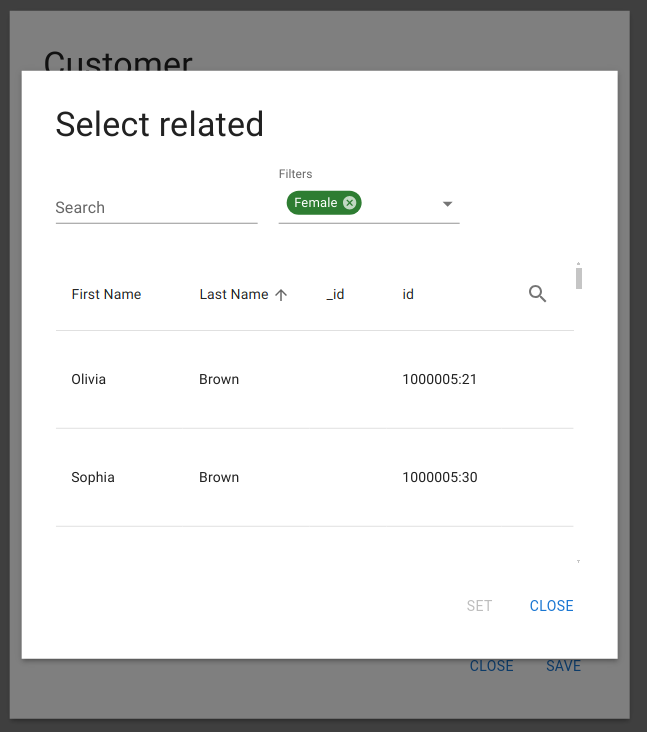 Figure: Component for selecting an existing person.
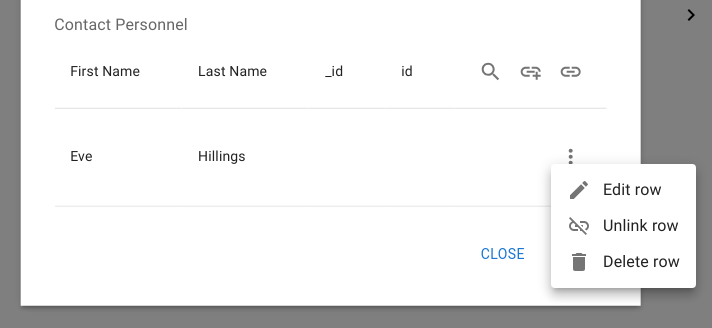 Figure: Open settings menu with the option to edit a linked person.
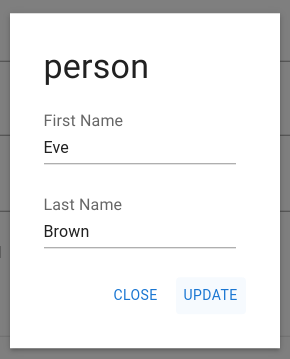 Figure: Edit modal for a linked person.
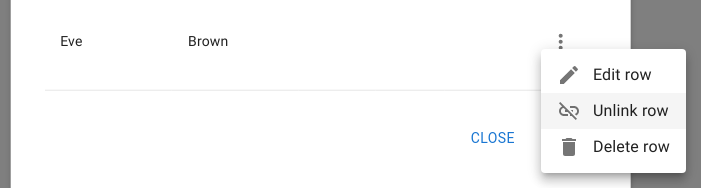 Figure: Removes the link but preserves the related row.
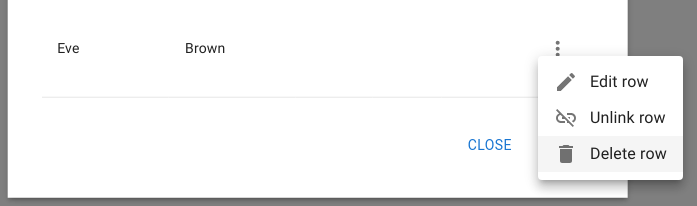 Figure: Deletes both the related row and the relation.
 Figure: Deleted row displayed as gray with a strikethrough.