The Calendar View
The Calendar View is a time-based visualization interface that renders rows containing date range or datetime range values into structured calendar layouts. It is a specialization of Minyu’s data-centric view framework and operates entirely on top of the relational path model.
The Calendar View does not introduce any calendar-specific data model. Instead, it projects existing relational time ranges into a temporal layout.
Configuring a Data-Centric View
Calendar Views are configured through the generic Data Views configuration system. Each view instance is defined independently and rendered inside its own snap window.
General Configuration
All data-centric views share a common base configuration:
-
Name Identifier used in context menus to open the view.
-
Description Short functional description.
-
Source The root table for the view.
-
Usage Specifies whether the view is:
-
List-bound (operating on a set of rows), or
-
Row-bound (operating on a single row as entry point)
-
View Type The rendering engine used for the view. For this configuration, the type is Calendar.
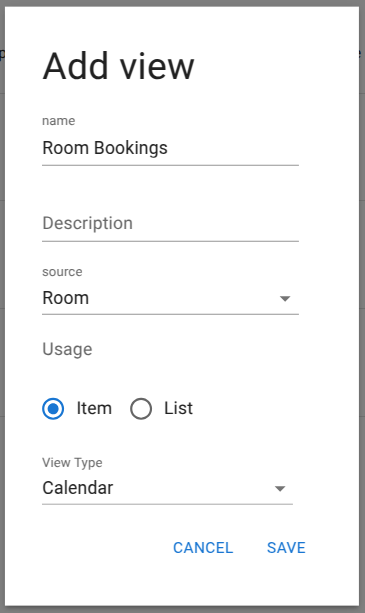
Creating a new Calendar View instance.
Once this is persisted, calendar-specific bindings can be defined.
Calendar-Specific Configuration
The calendar configuration defines how the view binds to time-based data.
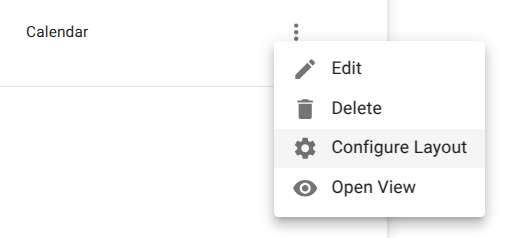
Required parameters:
-
Title Display label for the calendar instance.
-
Path A relational path resolving to a column of type:
-
DateRange, or
- DateTimeRange
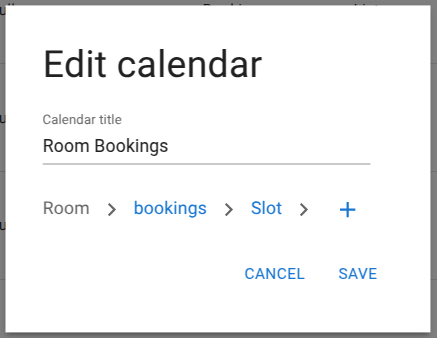
Once saved, the Calendar View becomes available through:
- The source table context menu
- The row context menu (if configured as row-bound)
Multiple calendar views can be created over the same dataset using different traversal paths.

Using the Calendar View
Layout Availability
The available layouts are determined by client form factor:
Desktop
- Day
- Week
- Month
- Year
Mobile
- Day
- Year
This restriction ensures predictable performance and legibility on smaller screens.
Initial Projection and Filtering
When the Calendar View is opened:
- All rows resolved through the configured time path are projected into the calendar.
-
The projection includes:
-
Start timestamp
- End timestamp
- Row identity
- Summary fields from the source table
A content filter panel is available on the right-hand side, allowing further restriction of visible entries without modifying the underlying dataset.
Flexibility of Data-Centric Interfaces
The Calendar View is not bound to any specific domain type. Any table can serve as the source as long as a valid time-range path exists.
Example: Display bookings from a person-centric perspective.
Configuration outline:
- Source table →
Person - View name →
My Bookings - Path →
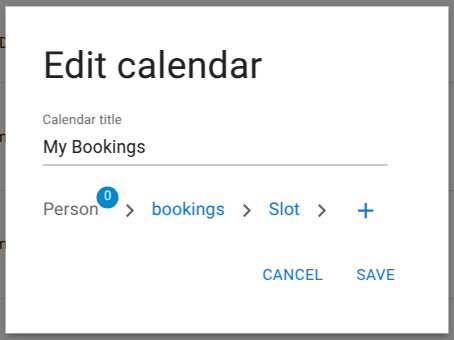
This configuration renders all bookings related to the selected person, independent of the original room or resource table.
Operational Characteristics
The Calendar View provides:
-
Deterministic rendering directly from:
-
Source table
- Relational path
- Time range column
- No duplicated scheduling model
- No secondary calendar schema
- Full consistency with permissions, read rules, and classifications
Because the calendar operates directly on the relational layer, all security, filtering, and visibility constraints apply identically to tables, explorers, and navigators.
Example Renderings
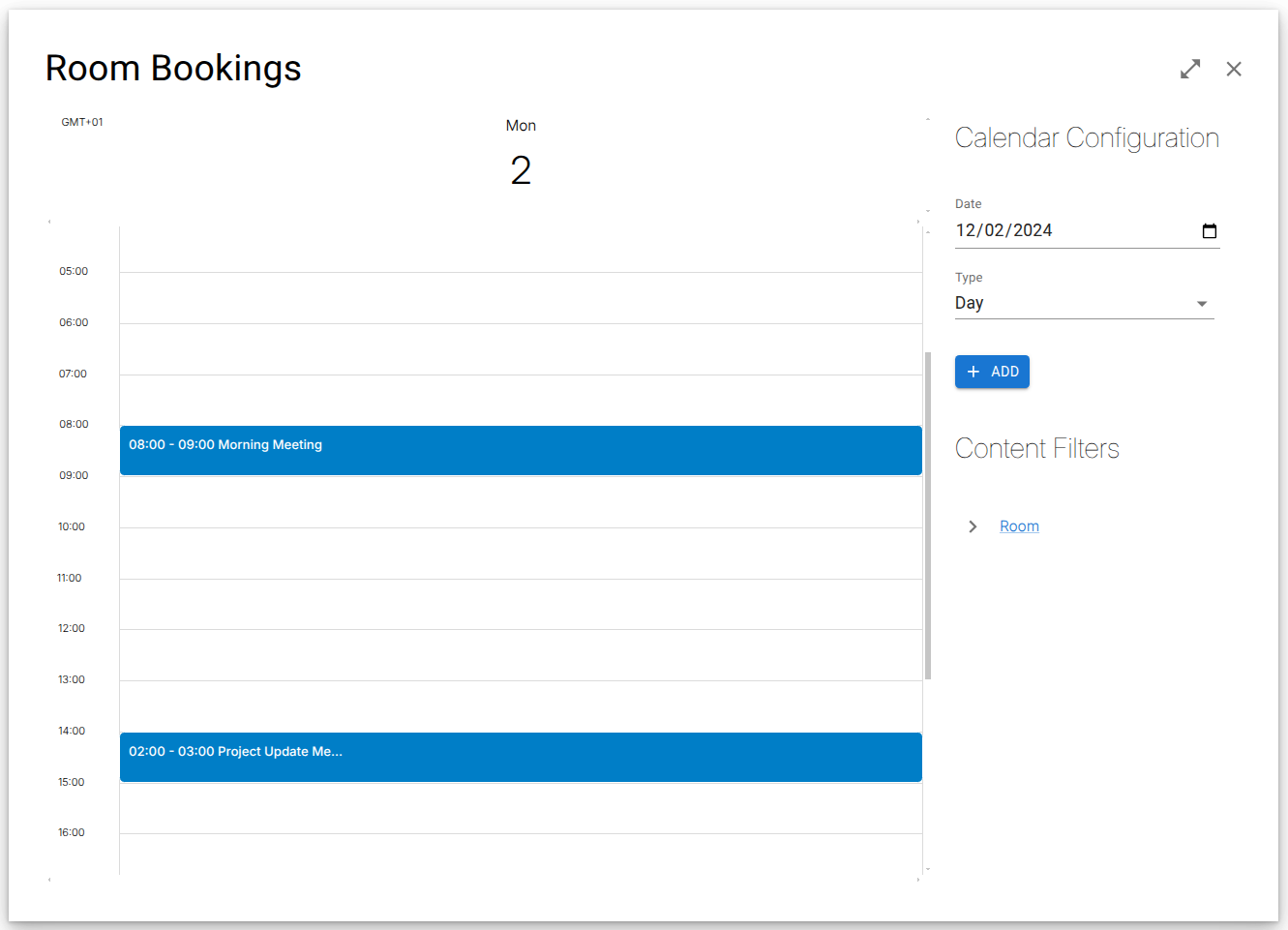 Day layout
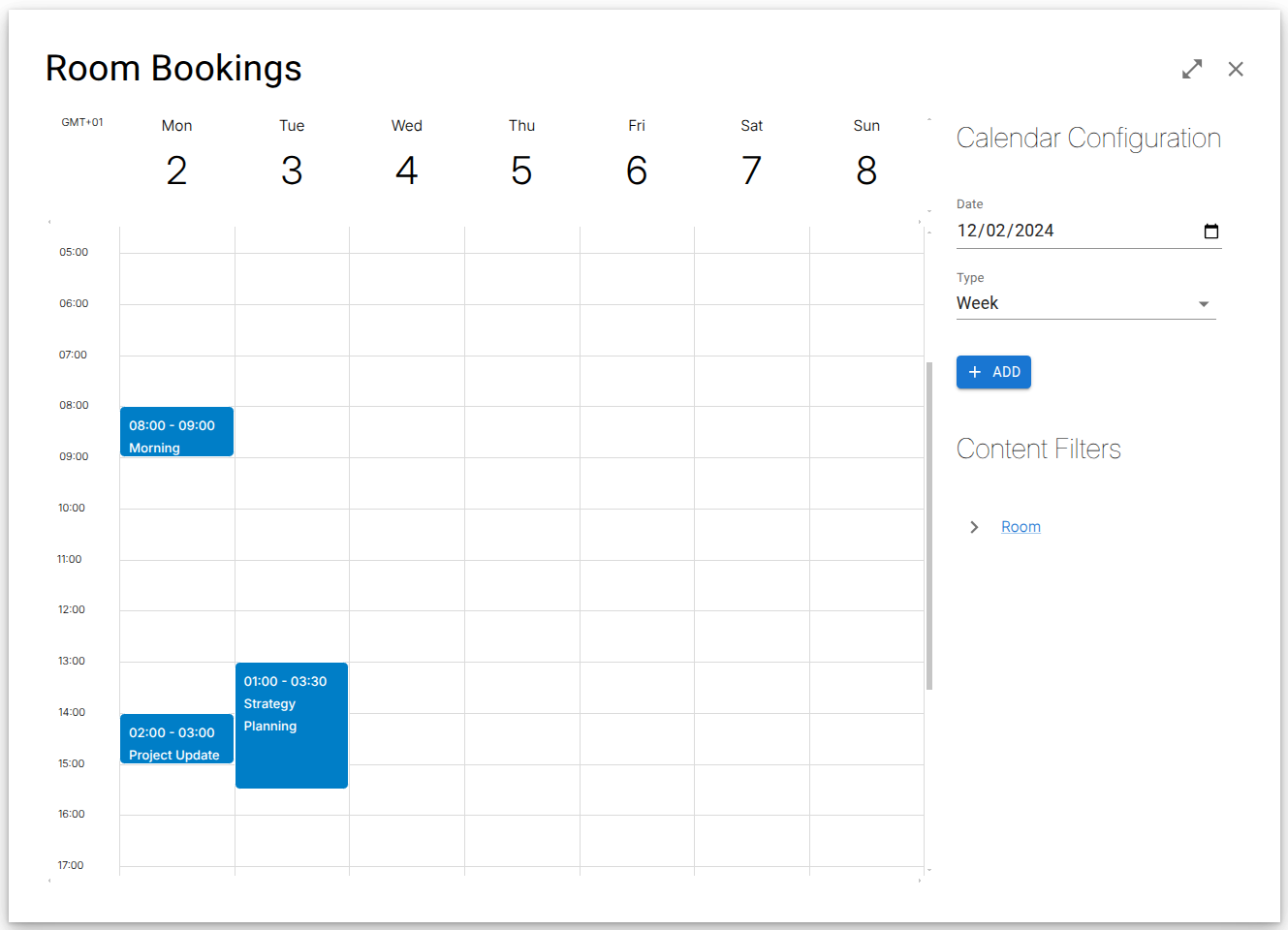 Week layout
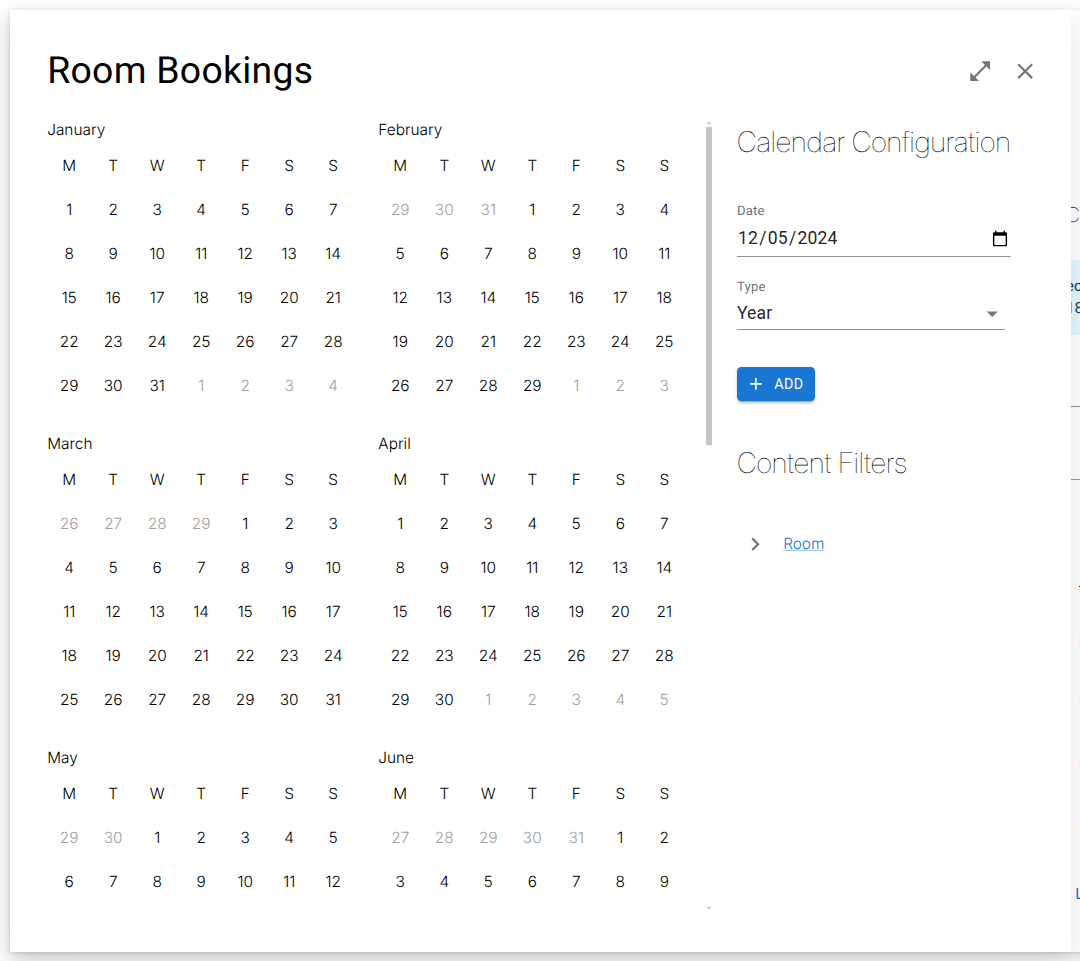 Year layout