The Architecture View
The Architecture View is a structural visualization layer that renders the dependency graph between core system components, including:
- Tables
- Columns
- Relations
- Filters
- Read rules
- Write rules
It exposes how these components are connected at configuration level and how behavioral logic is bound to the data model.
This view is intended for system-level analysis and safe modification of complex configurations.
Accessing the Architecture View
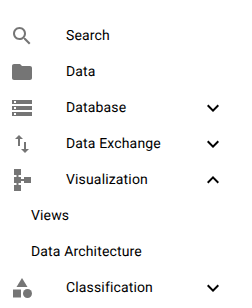
The Architecture View is available from the navigation menu under Visualizations. When opened, it is rendered inside its own snap window.
Structural Model and Layout
The visualization is rendered as a tree-based dependency graph rooted at a selected table. The root node defines the structural context, and all outbound configuration dependencies are expanded from that root.

Columns and filters bound to the Person table.
Each node in the graph represents a concrete system object, not a visual abstraction.
Selectable Connection Types
The graph renderer allows selective projection of dependency categories. Multiple categories can be visualized simultaneously.
Supported connection types:
-
Columns Physical and computed columns bound to the table.
-
Relations Foreign-key, reverse, and many-to-many relations.
-
Filters Classifications exposed as dataset-level filters.
-
Read Rules Rules that restrict row visibility.
-
Write Rules Rules that restrict inserts, updates, and deletes.
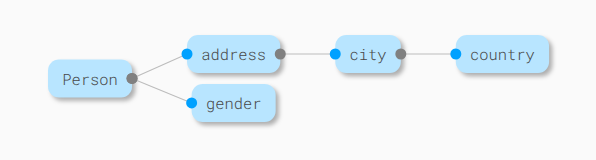
Structural relations between tables.
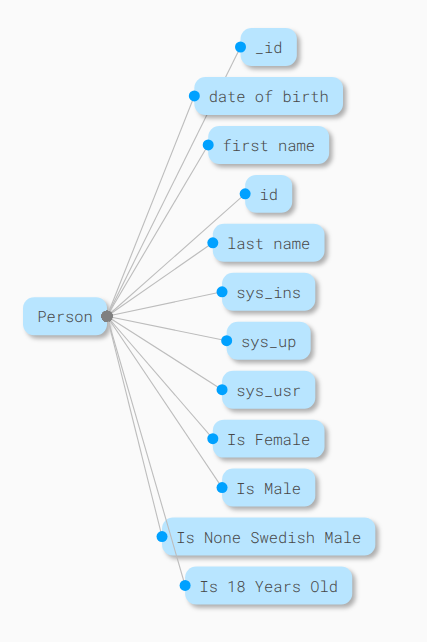
Columns and filter classifications.
This selective rendering allows focused inspection of:
- Data structure
- Access control
- Rule dependencies
- Cross-table impact
without visual overload.
Operational Purpose
The Architecture View is optimized for:
- Configuration impact analysis
- Dependency inspection before schema changes
- Understanding rule propagation paths
- Verifying relational structure consistency
It acts as a live schema topology viewer, not as a conceptual modeling tool.
Interactive Nodes and Direct Editing
Each node in the graph represents a live configuration object:
- Table
- Column
- Relation
- Filter
- Read rule
- Write rule
Selecting a node executes a direct jump into its configuration editor.
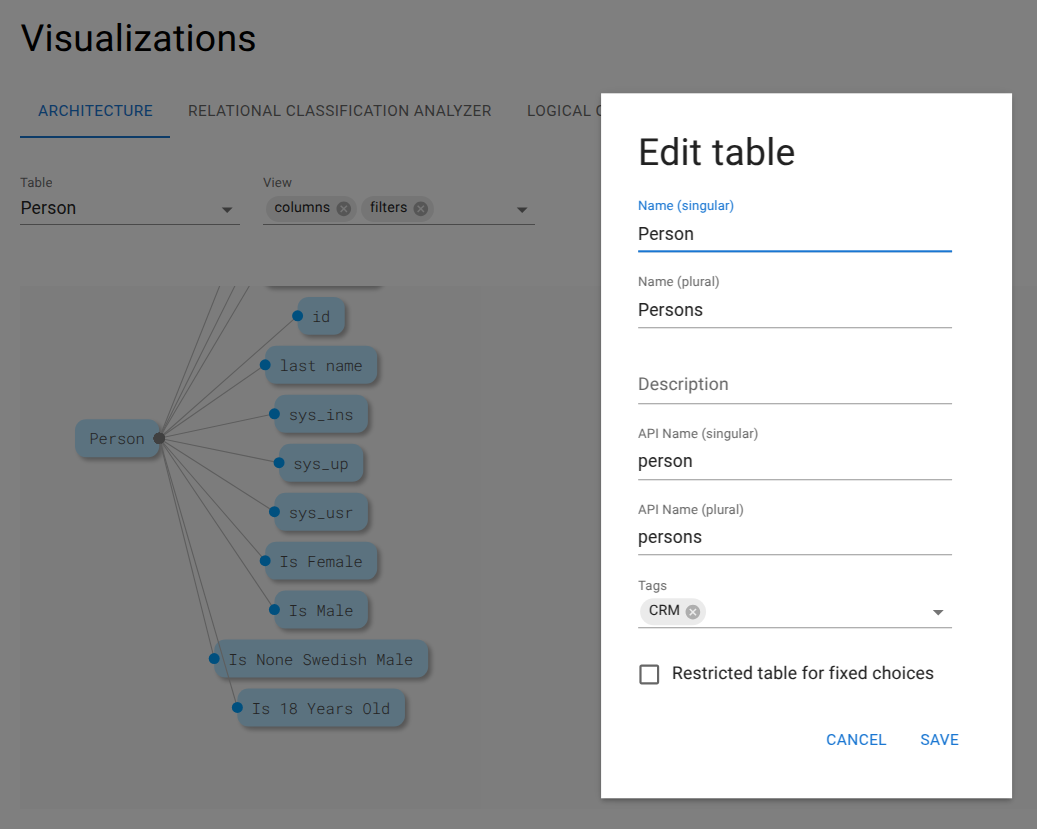
Clicking the Person node opens the table configuration modal immediately.
This enables:
- Zero-navigation editing
- Immediate validation of dependencies
- Rapid iteration during schema design and refactoring
Summary
The Architecture View provides a real-time, dependency-accurate visualization of the Minyu configuration graph. It exposes:
- Structural relationships
- Rule bindings
- Access control dependencies
- Filter propagation paths
By combining graph projection with direct editing, the view serves as a critical tool for safe system evolution and deep configuration analysis.